1.) Install Apk file on your phone 2.) Create a folder on your sdcard for ex. /sdcard/Gameboid 3.) Place the gba_bios file in the folder you created 4.) Place your GBA games also on the same folder just to be more organized 5.) Start GameBoid and go to settings 6) Click GBABIOS FILE and go to the folder where you placed the Gba_bios.bin file and select it 7.) Go back to the main screen of Gameboid and select your ROM/games location 8.) Once done , it should show the list of your ROMS and just click it Enjoy Gaming!
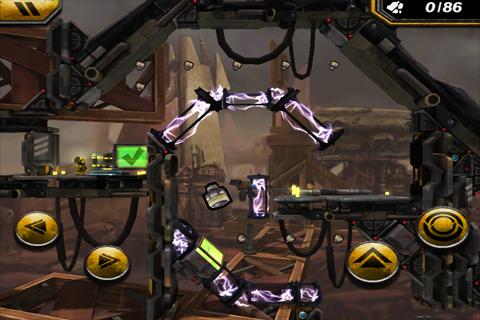
Anomaly Warzone Earth HD Samsung Galaxy Ace Gt-S5830i
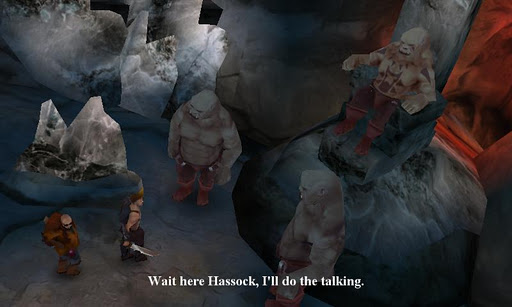
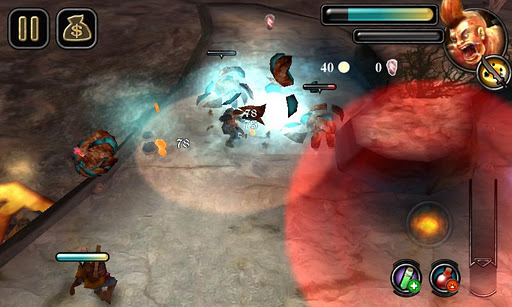
- Experience a new type of tower defense game where you're the attacking side - Think tactically and choose the right squad, route, special weapons, and plan to guarantee success in Tower Offense strategy - Gather resources strategically to buy and upgrade new and more powerful units - Play for hours on end in engaging modes of play: Story Campaign and Squad Assault modes - Immerse yourself in the cutting-edge graphics and atmospheric soundtrack
Xperia Tized Rom Android 2.3.7 Samsung Galaxy Ace Gt-S5830i
1) Copy the downloaded zip to your sd card. 2) Make sure your device is rooted and you have ClockWorkMod recovery installed. 3) Switch off your phone. 4) Reboot into recovery by pressing home+power button+volume up simultaneously 5) Wipe data/cache and dalvik cache 6) If you want to get old back make a backup. You must have 600 mb free space 7) Select 'install zip from sd card' 8) Navigate to the downloaded file 9) Press home button 10) Scroll down to 'yes' using volume keys and press home button. 11) Wait till the flashing process is finished. 12) Reboot and Enjoy





.jpg)
.jpg)
.jpg)


.jpg)


